
How to Trigger Smart Home Automation via OpenClaw
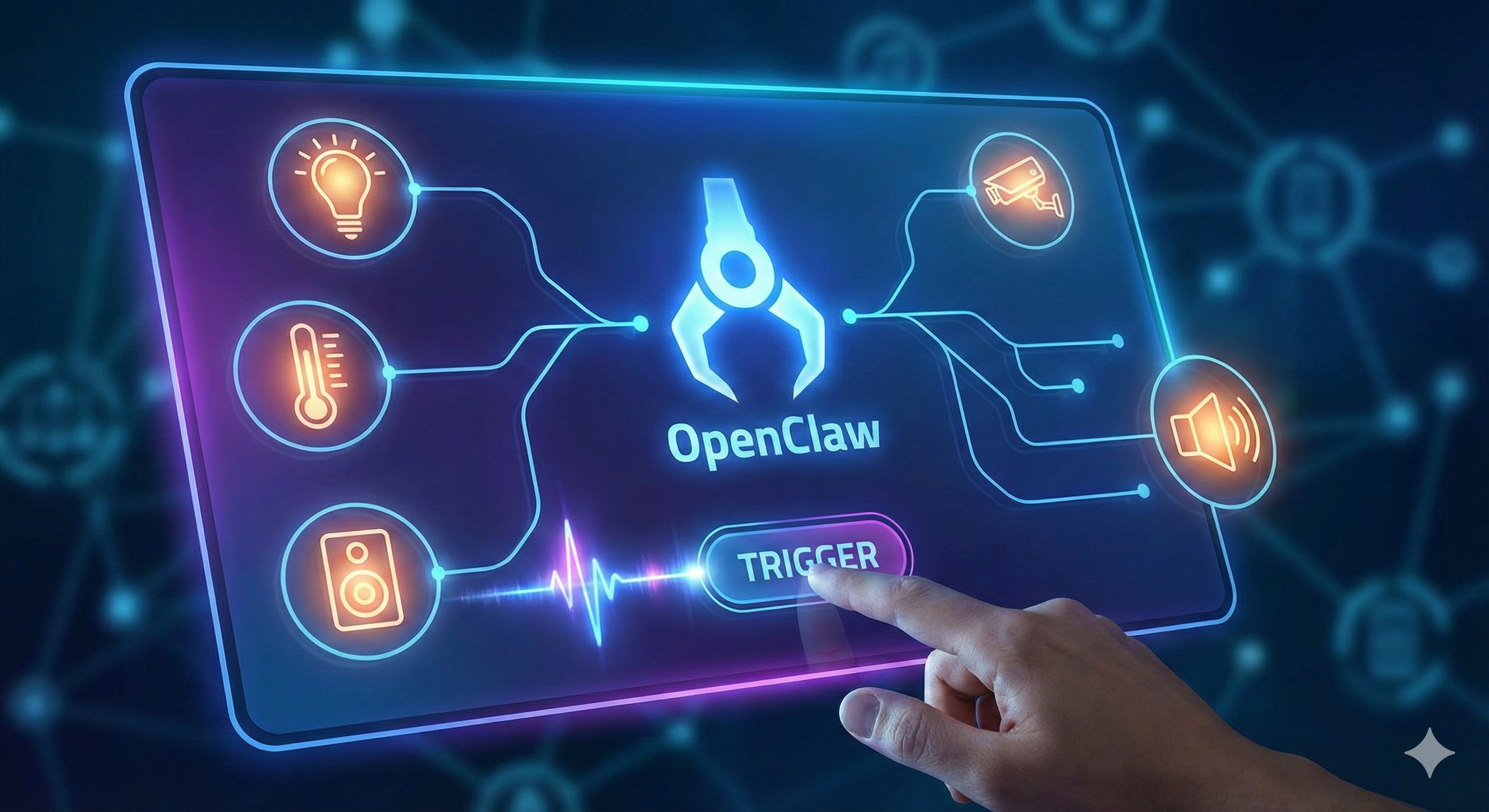
Smart homes are everywhere.
Smart lights.
Smart thermostats.
Smart locks.
Smart plugs.
Smart speakers.
Smart cameras.
But most setups are still reactive.
You say:
“Turn on the lights.”
Or you create simple rules like:
“Turn on porch light at sunset.”
That’s not intelligence.
That’s automation.
OpenClaw turns your smart home into a context-aware system that can:
Interpret complex instructions
Combine multiple conditions
Monitor weather and calendar events
Trigger multi-device sequences
Learn preferences over time
Route alerts across platforms
Instead of rigid triggers, you get adaptive control.
If you’re new to connecting OpenClaw with external platforms, start with OpenClaw Webhooks Explained for External Apps to understand the integration architecture.
Now let’s build your intelligent home system.
Why Use OpenClaw for Smart Home Automation?
Standard smart home platforms rely on:
If → Then rules
Limited conditional logic
Static scheduling
Voice command triggers
OpenClaw adds:
Multi-step reasoning
Weather awareness
Calendar context
Cross-device coordination
Predictive behavior
Natural language planning
Instead of saying:
“Turn on living room lights.”
You can say:
“Set the house for movie night.”
And OpenClaw understands:
Dim lights
Lower blinds
Turn on TV
Adjust thermostat
Silence notifications
That’s orchestration.
Core Architecture Options
There are three primary integration models:
1. OpenClaw + Home Assistant (Recommended)
Home Assistant is the most flexible self-hosted smart home platform.
OpenClaw can:
Send service calls via API
Trigger scenes
Modify entity states
Monitor device changes
For detailed setup, review Connect OpenClaw to Home Assistant (Guide).
This setup allows full local control without cloud dependency.
2. OpenClaw + Google Home / Alexa
If you use Google Home or Amazon Alexa ecosystems:
OpenClaw triggers routines via API
Uses webhook bridges
Activates preset scenes
This works well for consumer-grade setups.
3. OpenClaw + Matter Devices
Matter (the universal smart home standard) allows:
Cross-platform device compatibility
Local network communication
Reduced vendor lock-in
OpenClaw can act as a central decision engine controlling Matter-compatible devices through a supported hub.
Step 1: Enable Device Access via API
You must:
Generate API token (Home Assistant or hub)
Configure secure endpoint
Store token as encrypted environment variable
Restrict network access
Never expose smart home endpoints publicly.
Before deployment, review Ultimate OpenClaw Security Checklist 2026.
Home automation expands your physical attack surface.
Step 2: Create Intent-Based Triggers
Instead of rigid commands, configure OpenClaw to interpret intent.
Examples:
“Getting ready for bed” →
Lock doors
Turn off lights
Lower thermostat
Arm security system
“Working from home today” →
Adjust office lighting
Set thermostat schedule
Silence doorbell chime
Disable motion-triggered announcements
Intent parsing makes automation feel natural.
Step 3: Add Context Awareness
This is where OpenClaw shines.
Combine:
Weather alerts
Calendar events
Travel schedules
Time of day
Location presence
Example:
Rain forecast + Calendar shows 8 AM departure →
OpenClaw sends umbrella reminder + warms car 10 minutes early.
For travel-based triggers, explore The Best OpenClaw Weather and Travel Alert Plugins.
Now automation becomes predictive.
Step 4: Multi-Channel Smart Home Notifications
OpenClaw can route alerts via:
WhatsApp
Telegram
Slack
SMS
Email
If you’re managing multiple communication channels, see Managing Multiple Chat Channels with One OpenClaw Instance.
Example:
Garage left open →
OpenClaw sends WhatsApp alert →
If no response in 5 minutes →
Automatically closes garage.
Escalation logic prevents oversight.
Step 5: Voice-Controlled Complex Workflows
Instead of simple voice commands:
“Turn on lights.”
You can say:
“I’m leaving for the weekend.”
OpenClaw can:
Turn off unnecessary devices
Activate security cameras
Enable energy-saving mode
Monitor unusual motion
Adjust thermostat remotely
Send arrival weather update
This is multi-device orchestration through a single phrase.
Advanced Smart Home Use Cases
1. Energy Optimization
OpenClaw can:
Monitor peak energy hours
Shift heavy appliance use
Adjust HVAC automatically
Optimize for solar production
Instead of fixed schedules, it adapts to conditions.
2. Security Monitoring
When motion detected:
Cross-check with calendar
Confirm whether anyone should be home
If unexpected → send alert
Trigger lights
Activate camera recording
Reasoning reduces false alarms.
3. Grocery & Home Supply Automation
Fridge inventory low →
OpenClaw adds to grocery list →
Triggers reorder
For automation beyond home control, see Automating Grocery Orders with OpenClaw.
4. Health & Comfort Optimization
OpenClaw can:
Track sleep schedule
Adjust bedroom temperature
Dim lights gradually
Trigger white noise
This creates adaptive environments.
Cost Considerations
Smart home triggers are lightweight.
Costs primarily come from:
LLM reasoning calls
Weather API polling
Frequent event monitoring
To optimize:
Use lightweight models for condition checks
Trigger advanced reasoning only when necessary
Batch device status polling
Avoid redundant checks
Smart routing reduces token usage significantly.
Security & Privacy Best Practices
Smart homes involve:
Locks
Cameras
Alarm systems
Location data
Best practices:
Use local-first architecture when possible
Never expose control APIs publicly
Restrict admin permissions
Log device actions
Use encrypted tokens
Separate guest access
Treat your smart home like enterprise infrastructure.
Who Benefits Most?
Ideal for:
Tech enthusiasts
Remote workers
Families
Frequent travelers
Energy-conscious homeowners
Smart home power users
Less necessary for:
Minimal smart device setups
Renters without control over infrastructure
Static automation-only users
The Bigger Shift: From Automation to Intelligence
Traditional smart homes respond.
Intelligent homes anticipate.
OpenClaw enables:
Context-aware triggers
Multi-device coordination
Predictive adjustments
Cross-platform alerts
Reduced manual control
Instead of micro-managing devices, you manage outcomes.
Final Takeaway
Smart homes shouldn’t require constant input.
With OpenClaw, you move from:
Manual commands
to
Intent-driven orchestration
You don’t control each device individually.
You describe what you want — and the system handles the rest.
In 2026, the smartest homes aren’t the ones with the most devices.
They’re the ones with intelligent coordination.
And OpenClaw becomes the brain behind that coordination.