
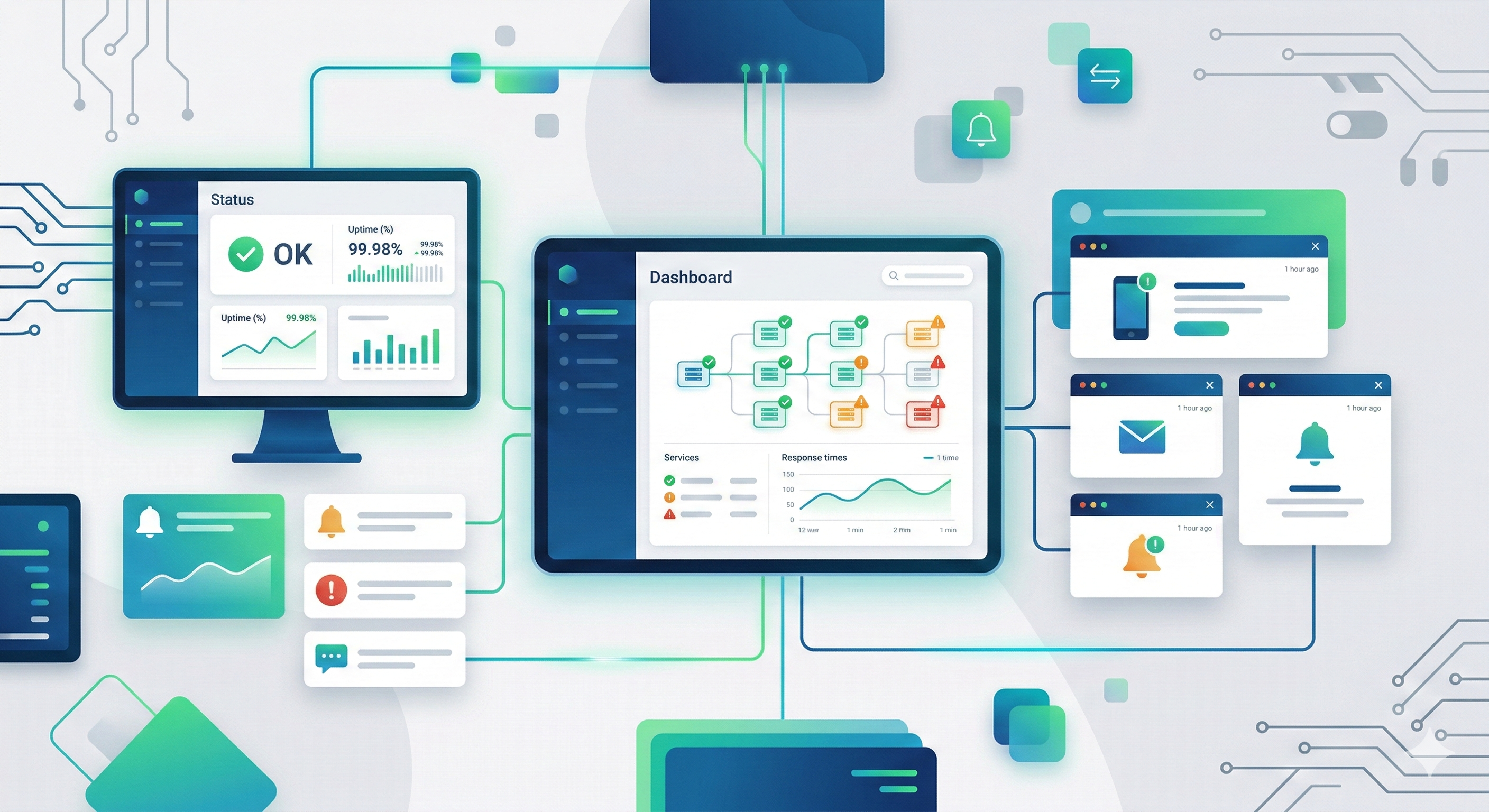
The Best Notification and Uptime Monitors for Self‑Hosted OpenClaw
Last verified: 2026-02-24 UTC
OpenClaw is a powerful, self‑hosted AI assistant that lets you own every request, response, and integration. When you run it on your own server, you also inherit the responsibility of keeping it alive, responsive, and aware of critical events. That’s where notification and uptime monitors step in: they watch your OpenClaw instance, alert you to problems, and even trigger automated remediation. In this guide we’ll explore the top open‑source and low‑cost tools you can pair with a self‑hosted OpenClaw deployment, walk through step‑by‑step integration, and cover the trade‑offs you’ll encounter along the way. A useful reference here is Best Openclaw Prompts Everyday Productivity.
Quick answer: For self‑hosted OpenClaw, combine Prometheus + Alertmanager for deep metrics and flexible alerts, Uptime Kuma for simple HTTP/ICMP checks, and Healthchecks.io (self‑hosted) for cron‑job monitoring. Pair these with a reliable notification channel—such as Telegram bot, Discord webhook, or SMTP—to stay informed the moment something goes wrong. This trio gives you real‑time uptime visibility, metric‑driven alerts, and the ability to automate recovery without third‑party SaaS lock‑in. For implementation details, check Openclaw Plugins Financial Tracking Budgeting.
1. Why Monitoring Matters for a Self‑Hosted AI Assistant
Running OpenClaw on your own hardware gives you privacy, customization, and cost control, but it also means the safety net that cloud providers automatically supply disappears. A single unhandled exception, a memory leak, or a network glitch can render the assistant silent, breaking workflows that rely on it for reminders, data retrieval, or automation. A related walkthrough is Best Openclaw Skills Health Fitness.
- Reliability – Your team (or your personal routines) expect the assistant to be available 24/7.
- Performance – Latency spikes may cause time‑outs in downstream services.
- Security – An unmonitored service can become a foothold for attackers if it crashes and restarts with default credentials.
A well‑designed monitoring stack catches these issues early, provides actionable data, and helps you maintain a smooth user experience. For a concrete example, see Openclaw Find Best Flight Deals.
2. Core Concepts: Notification vs. Uptime Monitoring
| Term | Definition | Typical Use‑Case |
|---|---|---|
| Uptime Monitor | Checks whether a service is reachable (HTTP, TCP, ICMP) and records response time. | Detecting if OpenClaw’s web API is down. |
| Metric Collector | Gathers quantitative data (CPU, memory, custom application metrics) at regular intervals. | Tracking request latency or queue length. |
| Alerting Engine | Evaluates collected data against rules and fires notifications when thresholds are crossed. | Sending a Telegram message when error rate > 5 %. |
| Notification Channel | The medium (email, chat, SMS) that delivers alerts to humans or other systems. | Posting to a Discord channel for on‑call engineers. |
Understanding these layers helps you choose tools that fit together rather than overlapping redundantly. This is also covered in Best Subreddits Openclaw Users Inspiration.
3. Top Open‑Source Notification Engines
3.1 Alertmanager (part of the Prometheus ecosystem)
Alertmanager receives alerts from Prometheus, deduplicates them, groups by common labels, and routes them to a variety of receivers. It supports silencing, inhibition, and routing trees, which are essential when you have multiple OpenClaw instances across environments.
Pros
- Native integration with Prometheus metrics.
- Rich routing logic (time‑of‑day, severity, team).
- Open‑source, community‑maintained.
Cons
- Requires a Prometheus server for full power.
- Configuration is YAML‑heavy, which can be intimidating for newcomers.
3.2 Gotify
Gotify is a lightweight self‑hosted push notification server. It offers a simple HTTP API that you can call from any script or webhook. If you prefer a minimal setup without the full Prometheus stack, Gotify can be a good companion for OpenClaw’s event‑driven alerts (e.g., “new email arrived” or “flight price dropped”).
Pros
- Minimal resource usage.
- Easy to embed in bash or Python scripts.
- Supports mobile apps for on‑the‑go notifications.
Cons
- No built‑in metric collection; you need external tools for thresholds.
- Lacks advanced grouping and inhibition features.
3.3 Ntfy
Ntfy provides server‑sent events (SSE) and can forward messages to a range of services, including email, Slack, and Discord. Its topic‑based architecture mirrors the way OpenClaw organizes skills, making it intuitive to publish alerts from specific modules.
Pros
- Topic hierarchy mirrors OpenClaw’s skill taxonomy.
- Plain‑text configuration, no YAML required.
- Supports both pull (client polling) and push (webhook) models.
Cons
- Still a relatively young project; community plugins are limited.
- No built‑in alert deduplication.
4. Leading Uptime Monitors for HTTP/ICMP Checks
4.1 Uptime Kuma
Uptime Kuma is a self‑hosted monitoring dashboard that supports HTTP(s), TCP, ping, DNS, and more. Its UI is clean, and it can push alerts to Telegram, Discord, Gotify, and many other services.
Key Features
- Multiple probe types – from simple ping to full‑stack HTTP with authentication.
- Dynamic status pages – embed a live status badge on your OpenClaw documentation.
- Heartbeat support – useful for cron‑based OpenClaw skills that need to report “I’m alive”.
4.2 Healthchecks.io (self‑hosted)
Originally a SaaS for cron‑job monitoring, the open‑source version can be deployed on Docker. Each “check” expects a HTTP POST at a regular interval; missed posts trigger alerts. This aligns perfectly with OpenClaw’s scheduled skills (e.g., daily weather briefing).
Pros
- Simple to configure per‑skill heartbeat.
- Built‑in escalation policies.
Cons
- Focused on scheduled jobs, not continuous HTTP endpoint health.
4.3 Zabbix
For enterprises that already run Zabbix, its web scenario feature can monitor OpenClaw’s API endpoints, while its agent can track host‑level metrics. The steep learning curve is offset by a mature ecosystem and extensive templating.
5. Choosing the Right Notification Channel
OpenClaw’s flexible skill system can push alerts to any HTTP endpoint, which means you can integrate with virtually any chat or email service. Below are the most common choices:
| Channel | Setup Complexity | Cost | Best For |
|---|---|---|---|
| Telegram Bot | Low (BotFather, token) | Free | Personal use, quick mobile alerts |
| Discord Webhook | Very low (copy webhook URL) | Free | Teams that already use Discord |
| SMTP (Mail) | Medium (SMTP server config) | Free‑low (if you own a server) | Formal alerts, audit trails |
| Slack App | Medium (OAuth scopes) | Free‑tier limited | Business environments |
| SMS (Twilio) | High (API keys, phone verification) | Paid per message | Critical incident alerts |
When selecting a channel, consider redundancy: a primary chat notification plus a fallback email ensures you don’t miss a critical alert if one service is down.
6. Step‑by‑Step Integration Guide
Below is a numbered walkthrough for wiring Prometheus + Alertmanager, Uptime Kuma, and Telegram together with OpenClaw. Adjust the steps if you prefer Gotify or Ntfy.
-
Deploy Prometheus
global:
  scrape_interval: 15s
scrape_configs:
  - job_name: 'openclaw'
    static_configs:
      - targets: ['localhost:8000']
This tells Prometheus to pull metrics from OpenClaw’s
/metricsendpoint. -
Expose OpenClaw Metrics
OpenClaw ships with a built‑in Prometheus exporter. Enable it inconfig.yaml:metrics: enabled: true bind_address: "0.0.0.0:8000" -
Configure Alertmanager
Createalertmanager.ymlwith a Telegram receiver:route: receiver: telegram receivers: - name: telegram telegram_configs: - bot_token: "<YOUR_BOT_TOKEN>" chat_id: "<YOUR_CHAT_ID>" -
Define Alert Rules
Inprometheus/alerts.ymladd:groups: - name: openclaw.rules rules: - alert: OpenClawHighErrorRate expr: rate(openclaw_http_requests_total{status=~"5.."}[5m]) > 0.05 for: 2m labels: severity: critical annotations: summary: "High error rate on OpenClaw" description: "More than 5% of requests are failing." -
Deploy Uptime Kuma (Docker example)
docker run -d --name uptime-kuma -p 3001:3001 \
  -v ./kuma-data:/app/data \
  louislam/uptime-kuma
Add a new monitor:
- Type: HTTP(s)
- URL:
http://your-openclaw-host:8000/health - Interval: 30 seconds
- Alert: Telegram (same bot token as Alertmanager)
-
Test the Pipeline
- Stop OpenClaw → Prometheus will see the target go down.
- Alertmanager fires a Telegram message.
- Uptime Kuma also marks the service as down, sending a duplicate alert (use Alertmanager’s inhibition to silence Kuma’s alert if needed).
-
Optional: Hook Into OpenClaw Skills
Create a custom skillnotify_on_errorthat calls the Alertmanager API directly for non‑metric events, such as “flight price dropped”. This can be tied to the flight‑search skill discussed later.
Pro tip: OpenClaw’s prompt library includes productivity‑boosting templates that can be used to format alert messages. Check out the guide on the best OpenClaw prompts for everyday productivity for inspiration.
7. Extending Alerts with OpenClaw Skills
OpenClaw’s modular skill system lets you enrich alerts with context. For example, you could configure a financial‑tracking skill to send a notification when a budget‑related metric exceeds a threshold. The community has compiled a list of plugins for financial tracking and budgeting that integrate seamlessly with OpenClaw’s core.
Similarly, health‑oriented skills can forward heart‑rate or step‑count anomalies to your monitoring dashboard, while a flight‑deal skill can ping you when a price drop matches your saved criteria. Leveraging these skills turns raw alerts into actionable insights.
8. Cost Considerations
| Component | Typical Resource Use | Approximate Monthly Cost (Self‑Hosted) |
|---|---|---|
| Prometheus + Alertmanager | 200 MiB RAM, 1 CPU | $0 (open source) + server hosting |
| Uptime Kuma | 100 MiB RAM, 0.5 CPU | $0 (Docker) |
| Telegram Bot | Negligible | $0 |
| Gotify/Ntfy (optional) | 50 MiB RAM | $0 |
| Cloud‑VM (e.g., DigitalOcean 2 GB) | – | $10‑$15 |
If you already run OpenClaw on a VPS, the additional monitoring stack often fits within the same instance, keeping costs low. For larger deployments, consider a dedicated monitoring node to avoid resource contention.
9. Security and Privacy
Self‑hosting gives you control, but it also places the burden of securing the monitoring stack on your shoulders.
- TLS Everywhere – Enable HTTPS for Prometheus, Alertmanager, and Uptime Kuma. Use Let’s Encrypt or self‑signed certs if you prefer internal CA.
- Authentication – Protect the
/metricsendpoint with basic auth or token‑based auth. Alertmanager supports basic auth for its UI. - Network Segmentation – Keep monitoring services on a private subnet, exposing only the alert channels (e.g., Telegram) to the internet.
- Least Privilege Tokens – Telegram bot tokens and Discord webhooks should be stored in environment variables, not in source control.
A misconfigured monitor can become an information leak, exposing internal IP addresses or error messages that aid attackers. Regularly audit your configuration files and rotate secrets.
10. Optimization Tips
- Histogram Buckets – Customize Prometheus histogram buckets for OpenClaw response latency to avoid excessive cardinality.
- Alert Throttling – Use Alertmanager’s
repeat_intervalto prevent alert storms during a prolonged outage. - Scrape Interval Tuning – For low‑traffic OpenClaw instances, a 30‑second scrape interval reduces load without sacrificing timeliness.
- Batch Notifications – Group multiple alerts into a single message using Alertmanager’s
group_byandgroup_waitsettings.
These tweaks keep your monitoring stack efficient and your alert inbox manageable.
11. Common Troubleshooting Scenarios
| Symptom | Likely Cause | Fix |
|---|---|---|
| No alerts arrive in Telegram | Bot token mismatch or chat ID wrong | Verify token with BotFather; send a test message using the API |
| Prometheus shows “target down” but OpenClaw is reachable | Scrape timeout too low | Increase scrape_timeout in prometheus.yml |
| Duplicate alerts from Kuma and Alertmanager | Both services fire on the same condition | Enable Alertmanager inhibition rules to silence Kuma alerts |
| Metrics endpoint returns 403 | Authentication not configured on OpenClaw | Add Authorization: Bearer <token> header to Prometheus job |
| High CPU usage on monitoring node | Too many scrape targets or high‑resolution histograms | Consolidate targets; reduce histogram bucket count |
When in doubt, start by checking logs (docker logs prometheus, journalctl -u uptime-kuma) and then verify network connectivity with curl or ping.
12. Advanced Use Cases
- Dynamic Scaling – Use Prometheus metrics to trigger an autoscaling script that adds a new OpenClaw replica when CPU > 80 % for 5 minutes.
- Self‑Healing – Configure Alertmanager to call a webhook that runs a Docker restart command for the OpenClaw container.
- Cross‑Skill Correlation – Combine alerts from a flight‑deal skill with a budget skill to automatically pause a spending‑related workflow when a high‑cost flight is booked.
These patterns showcase how monitoring can become an active part of your automation ecosystem rather than a passive observer.
13. Frequently Asked Questions
Q: Can I use a commercial SaaS monitor instead of self‑hosting?
A: Yes, services like Pingdom or Datadog work, but they reintroduce third‑party dependencies and may expose internal URLs. Self‑hosting preserves the privacy and cost benefits of OpenClaw.
Q: How many monitors should I run for a single OpenClaw instance?
A: At minimum, one uptime check (HTTP/ICMP) and one metric‑based alert (error rate). Add more as you expose additional APIs or scheduled skills.
Q: Is it safe to expose the Prometheus UI to the internet?
A: No. Always bind it to localhost or protect it with a reverse proxy that enforces authentication and TLS.
Q: Do I need separate notification channels for each alert severity?
A: Not required, but it’s a good practice. You can route critical alerts to SMS while warning alerts stay in Telegram.
Q: Can OpenClaw itself send alerts without external monitors?
A: OpenClaw can call any webhook, so you could embed a simple HTTP POST to a notification service inside a skill. However, native monitoring gives you historical data and threshold‑based automation that ad‑hoc skill alerts lack.
14. Bringing It All Together
By pairing Prometheus + Alertmanager for metric‑driven alerts, Uptime Kuma for simple reachability checks, and a reliable Telegram (or alternative) notification channel, you create a resilient monitoring ecosystem that respects the self‑hosted ethos of OpenClaw. Extend this foundation with OpenClaw’s own skills—whether you’re tracking finances, monitoring health metrics, or hunting for flight deals—to turn raw alerts into context‑rich messages that drive action.
Remember to:
- Secure every endpoint with TLS and authentication.
- Tune scrape intervals and alert thresholds to your workload.
- Leverage community resources such as the best OpenClaw prompts for everyday productivity, the financial‑tracking plugins, health‑and‑fitness skills, flight‑deal finder, and the most inspiring subreddits for ideas and real‑world configurations.
With a robust monitoring stack in place, your OpenClaw assistant will stay online, performant, and ready to serve—no matter what challenges arise. Happy monitoring!