
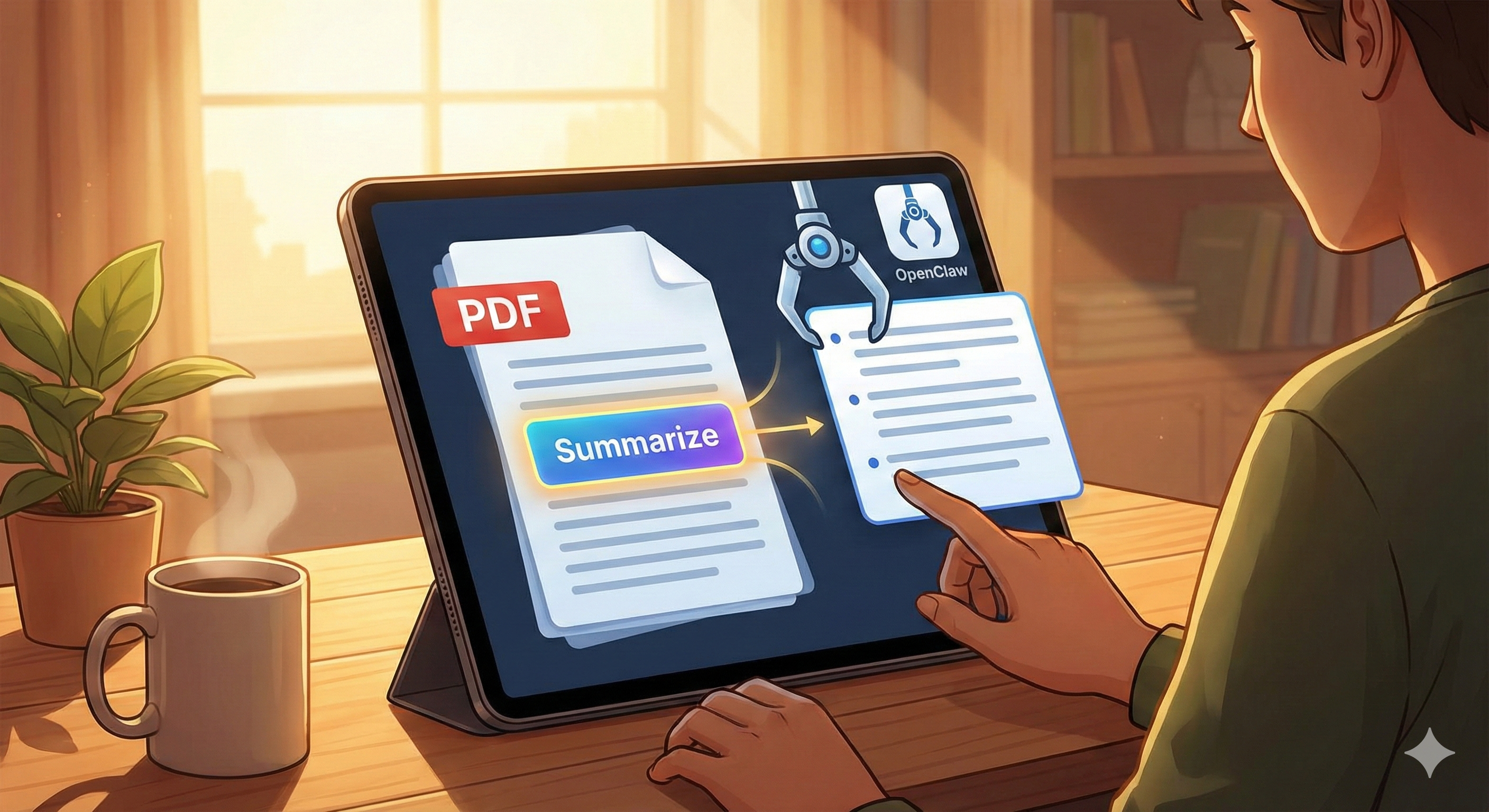
How to Read and Summarize PDFs Directly in OpenClaw
PDFs are everywhere.
Contracts.
Research papers.
Whitepapers.
Invoices.
Technical documentation.
Legal agreements.
Client briefs.
Academic journals.
And most of them are too long to read in full.
In 2026, manually skimming PDFs is inefficient. OpenClaw can now:
Ingest PDFs directly
Extract structured text
Detect tables and sections
Summarize intelligently
Extract action items
Store long-term knowledge
Answer contextual questions
Instead of reading 80 pages, you ask:
“Summarize the key risks in this contract.”
And OpenClaw delivers in seconds.
If you’re new to how OpenClaw executes file-based workflows, start with Build Your First OpenClaw Skill (Tutorial) to understand how file-processing extensions work.
Now let’s build your PDF automation pipeline.
Why PDF Processing Matters
PDFs are static containers.
They hide:
Structured information
Hidden metadata
Financial data
Legal obligations
Technical specifications
But without automation:
They sit unread.
Important clauses get missed.
Research becomes unsearchable.
OpenClaw turns PDFs into queryable knowledge.
Step 1: Enable the File Upload & Processing Skill
Your first requirement is a file ingestion skill that can:
Accept PDF uploads
Extract raw text
Preserve section hierarchy
Identify headings
Detect tables
Handle scanned documents (OCR)
The skill should:
Accept file
Convert PDF → text
Chunk content
Send chunks to LLM
Aggregate summary
If you’re handling file storage securely, review Handle File Uploads in OpenClaw Skills before deploying.
Security is critical when dealing with contracts or financial documents.
Step 2: Chunk Large PDFs Correctly
Large PDFs often exceed token limits.
Example:
100-page contract
200-page academic paper
300-page compliance document
You must:
Split into semantic sections
Maintain contextual overlap
Process in batches
Recombine intelligently
To avoid token overflow, configure memory properly via Manage Memory & Context Windows in OpenClaw.
Improper chunking leads to shallow summaries.
Step 3: Implement Retrieval-Augmented Generation (RAG)
Summarizing once is helpful.
But querying later is powerful.
With RAG enabled:
Each PDF chunk becomes vectorized
Stored in database
Indexed semantically
Searchable via natural language
To configure properly, follow Implement RAG in OpenClaw (Tutorial).
Now you can ask:
“What termination clauses are included in this contract?”
And OpenClaw retrieves only relevant sections.
This transforms static PDFs into dynamic knowledge bases.
Step 4: Enable Advanced Summarization Modes
Different documents require different summaries.
OpenClaw can support:
1. Executive Summary
High-level overview
Key points
Core arguments
2. Risk Analysis
Legal risks
Financial risks
Compliance gaps
3. Action Item Extraction
Required deadlines
Deliverables
Required signatures
4. Comparative Summary
Compare two PDFs
Highlight differences
Detect contract revisions
Use intelligent routing to keep costs under control. See Advanced OpenClaw Routing with Multiple LLMs for optimization strategies.
Step 5: OCR for Scanned PDFs
Some PDFs are not text-based — they’re scanned images.
To process these:
Use OCR engine (Tesseract, cloud OCR, or API)
Convert images → machine-readable text
Clean artifacts
Then send to LLM pipeline
Without OCR, many contracts and receipts remain unreadable.
High-Impact Use Cases
1. Contract Review Automation
Upload contract →
Extract obligations →
Summarize payment terms →
Identify renewal clause →
Flag cancellation notice period
This saves hours per agreement.
2. Academic Research Summaries
Upload 50-page paper →
Extract methodology →
Summarize findings →
Highlight statistical significance →
Store in research database
Pair with automated research pipelines via How to Use OpenClaw for Automated Web Research for full literature tracking.
3. Invoice & Financial Processing
Upload invoice PDF →
Extract vendor →
Detect amount →
Log into financial system →
Update budget tracker
For integrated money workflows, see OpenClaw Plugins for Financial Tracking and Budgeting.
4. Compliance & Policy Analysis
Upload regulatory document →
Extract policy changes →
Summarize new obligations →
Alert relevant teams
Critical for finance, healthcare, and legal industries.
5. Book & Long-Form Document Summaries
Upload 200-page book →
Get chapter summaries →
Extract key quotes →
Generate study notes
OpenClaw becomes a reading accelerator.
Performance & Cost Considerations
PDF summarization cost depends on:
Document length
Chunk size
Model choice
Query frequency
To optimize:
Use lightweight models for initial parsing
Only escalate detailed analysis when requested
Cache chunk summaries
Avoid reprocessing unchanged documents
Smart routing reduces token waste.
Security & Data Privacy
PDFs often contain:
Contracts
PII
Financial statements
Confidential information
Best practices:
Encrypt file storage
Delete temporary files after processing
Restrict file upload permissions
Log processing events
Isolate user data
Before enabling public uploads, review Ultimate OpenClaw Security Checklist 2026.
Never treat document automation casually.
Common Mistakes to Avoid
Sending entire PDF to LLM without chunking
Ignoring OCR for scanned files
Not preserving section structure
Failing to implement retrieval indexing
Overusing expensive models unnecessarily
Storing sensitive files insecurely
PDF processing requires thoughtful architecture.
The Bigger Shift: Documents as Data
In 2026, competitive advantage comes from:
Not just having information
But accessing it instantly
OpenClaw turns PDFs into:
Searchable assets
Summarized insights
Actionable tasks
Indexed knowledge
Instead of reading everything manually, you query intelligently.
Final Takeaway
PDFs are no longer static files.
With OpenClaw, they become:
Interactive
Queryable
Summarized
Actionable
Whether you’re reviewing contracts, researching academic papers, processing invoices, or scanning policy documents, OpenClaw eliminates hours of manual reading.
In a world overloaded with documents, the advantage goes to those who can process them fastest.
And OpenClaw turns document overload into structured intelligence.